mirror of
https://github.com/CherryHQ/cherry-studio.git
synced 2025-12-22 08:40:08 +08:00
🍒 Cherry Studio is a desktop client that supports for multiple LLM providers.
| .github/workflows | ||
| .vscode | ||
| build | ||
| resources | ||
| scripts | ||
| src | ||
| .editorconfig | ||
| .eslintignore | ||
| .eslintrc.cjs | ||
| .gitignore | ||
| .prettierignore | ||
| .prettierrc | ||
| .yarnrc.yml | ||
| dev-app-update.yml | ||
| electron-builder.yml | ||
| electron.vite.config.ts | ||
| LICENSE | ||
| package.json | ||
| README.md | ||
| tsconfig.json | ||
| tsconfig.node.json | ||
| tsconfig.web.json | ||
| yarn.lock | ||

Cherry Studio
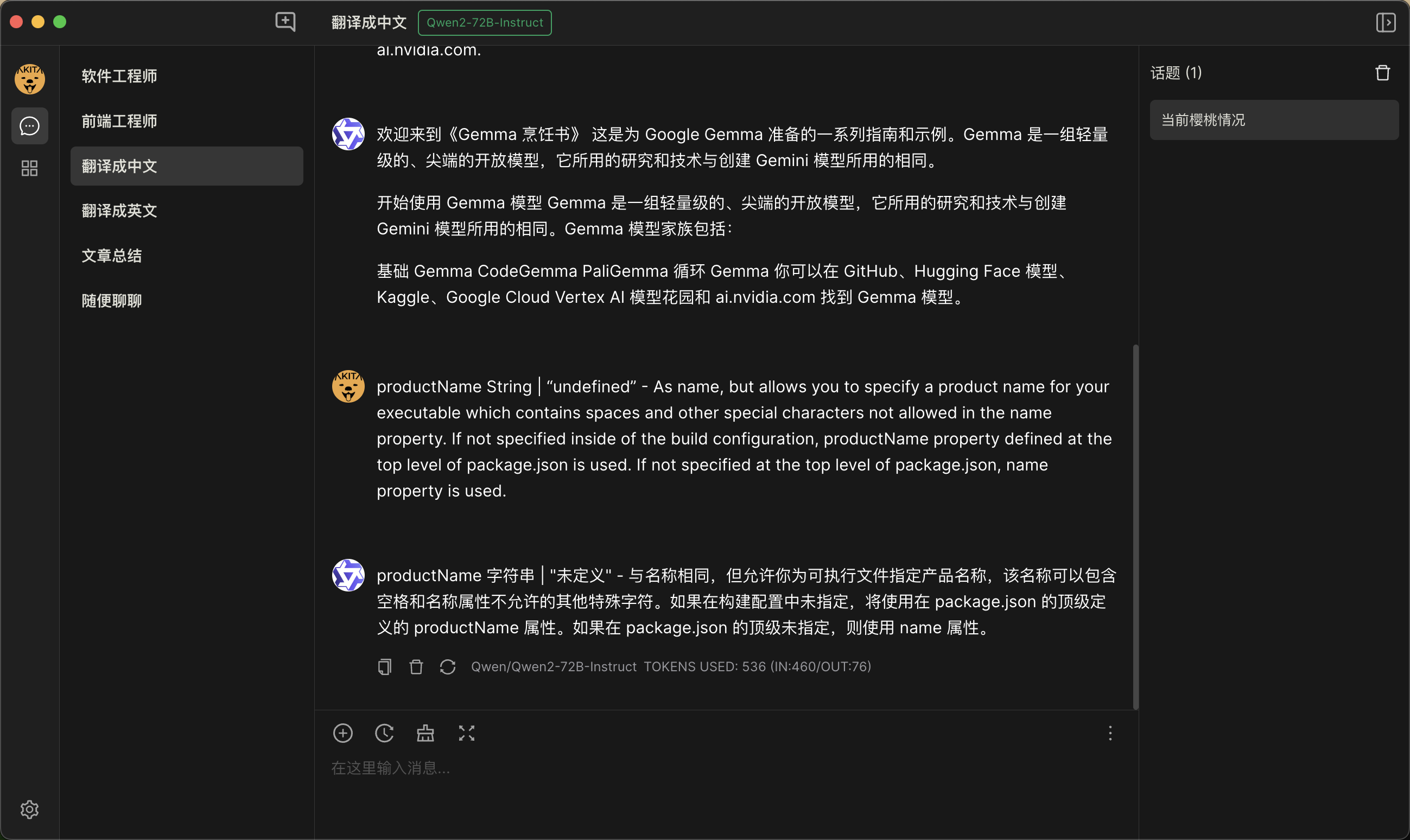
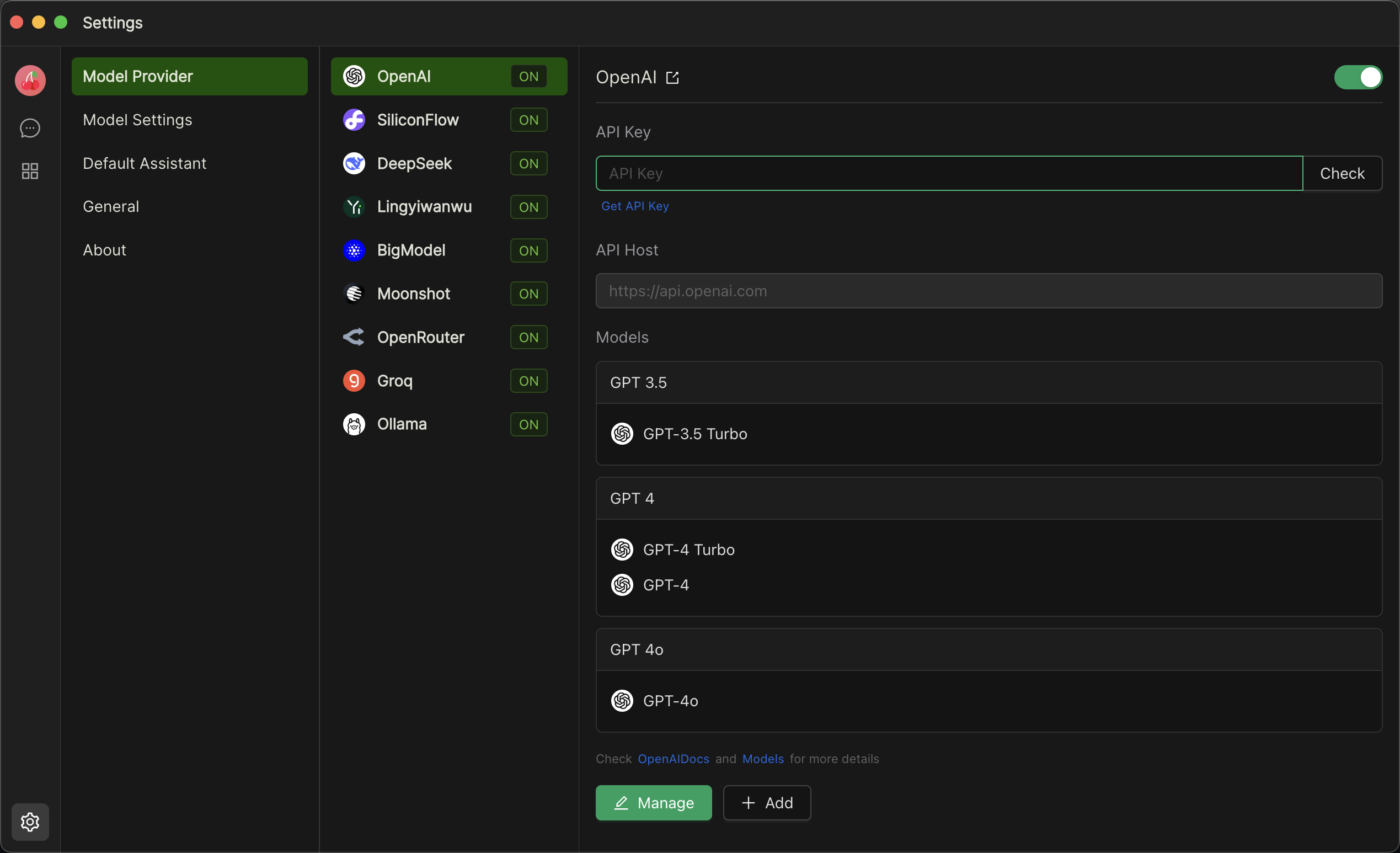
Cherry Studio is a desktop client for multiple cutting-edge LLM models, available on Windows, Mac and Linux.
Screenshot
Feature
- Supports multiple large language model service providers.
- Allows creation of multiple Assistants.
- Enables creation of multiple topics.
- Allows using multiple models to answer questions in the same conversation.
- Supports drag-and-drop sorting.
- Code highlighting.
Develop
Recommended IDE Setup
Project Setup
Install
$ yarn
Development
$ yarn dev
Build
# For windows
$ yarn build:win

# For macOS
$ yarn build:mac

# For Linux
$ yarn build:linux