mirror of
https://github.com/NapNeko/NapCatQQ.git
synced 2025-12-19 05:05:44 +08:00
 4360775eff
* feat: pnpm new

* Refactor build and release workflows, update dependencies

Switch build scripts and workflows from npm to pnpm, update build and artifact paths, and simplify release workflow by removing version detection and changelog steps. Add new dependencies (silk-wasm, express, ws, node-pty-prebuilt-multiarch), update exports in package.json files, and add vite config for napcat-framework. Also, rename manifest.json for framework package and fix static asset copying in shell build config.
1.8 KiB
1.8 KiB
QRCode Terminal Edition 
Going where no QRCode has gone before.
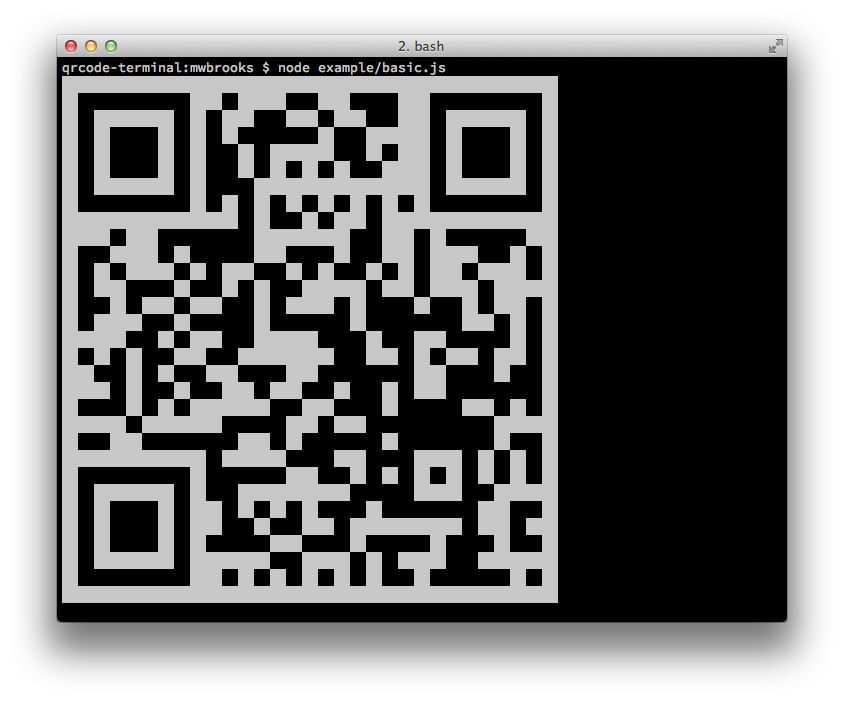
Node Library
Install
Can be installed with:
$ npm install qrcode-terminal
and used:
var qrcode = require('qrcode-terminal');
Usage
To display some data to the terminal just call:
qrcode.generate('This will be a QRCode, eh!');
You can even specify the error level (default is 'L'):
qrcode.setErrorLevel('Q');
qrcode.generate('This will be a QRCode with error level Q!');
If you don't want to display to the terminal but just want to string you can provide a callback:
qrcode.generate('http://github.com', function (qrcode) {
    console.log(qrcode);
});
If you want to display small output, provide opts with small:
qrcode.generate('This will be a small QRCode, eh!', {small: true});

qrcode.generate('This will be a small QRCode, eh!', {small: true}, function (qrcode) {
    console.log(qrcode)
});
Command-Line
Install
$ npm install -g qrcode-terminal
Usage
$ qrcode-terminal --help
$ qrcode-terminal 'http://github.com'
$ echo 'http://github.com' | qrcode-terminal
Support
- OS X
- Linux
- Windows
Server-side
node-qrcode is a popular server-side QRCode generator that
renders to a canvas object.
Developing
To setup the development envrionment run npm install
To run tests run npm test
Contributers
Gord Tanner <gtanner@gmail.com>
Micheal Brooks <michael@michaelbrooks.ca>